
PORTFOLIO PROJECT
museim
2026
MuseIM is a mobile-first product prototype for an AI-powered dressing room I wanted to build for myself. The idea came from a simple everyday problem: having too many clothes, forgetting what is already in the wardrobe, and spending too much time pulling pieces out, changing outfits, and trying to work out what actually goes together before leaving the house.
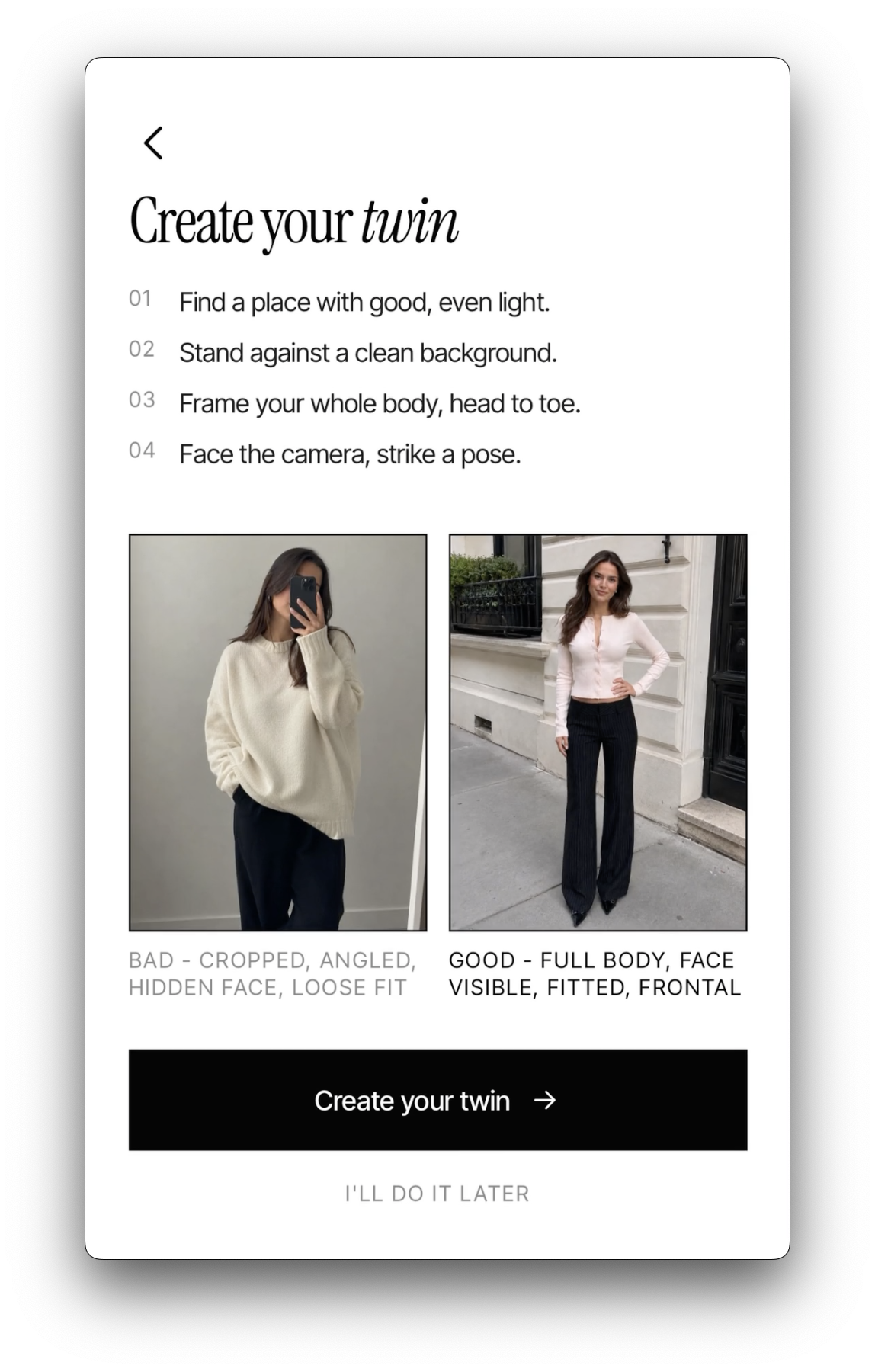
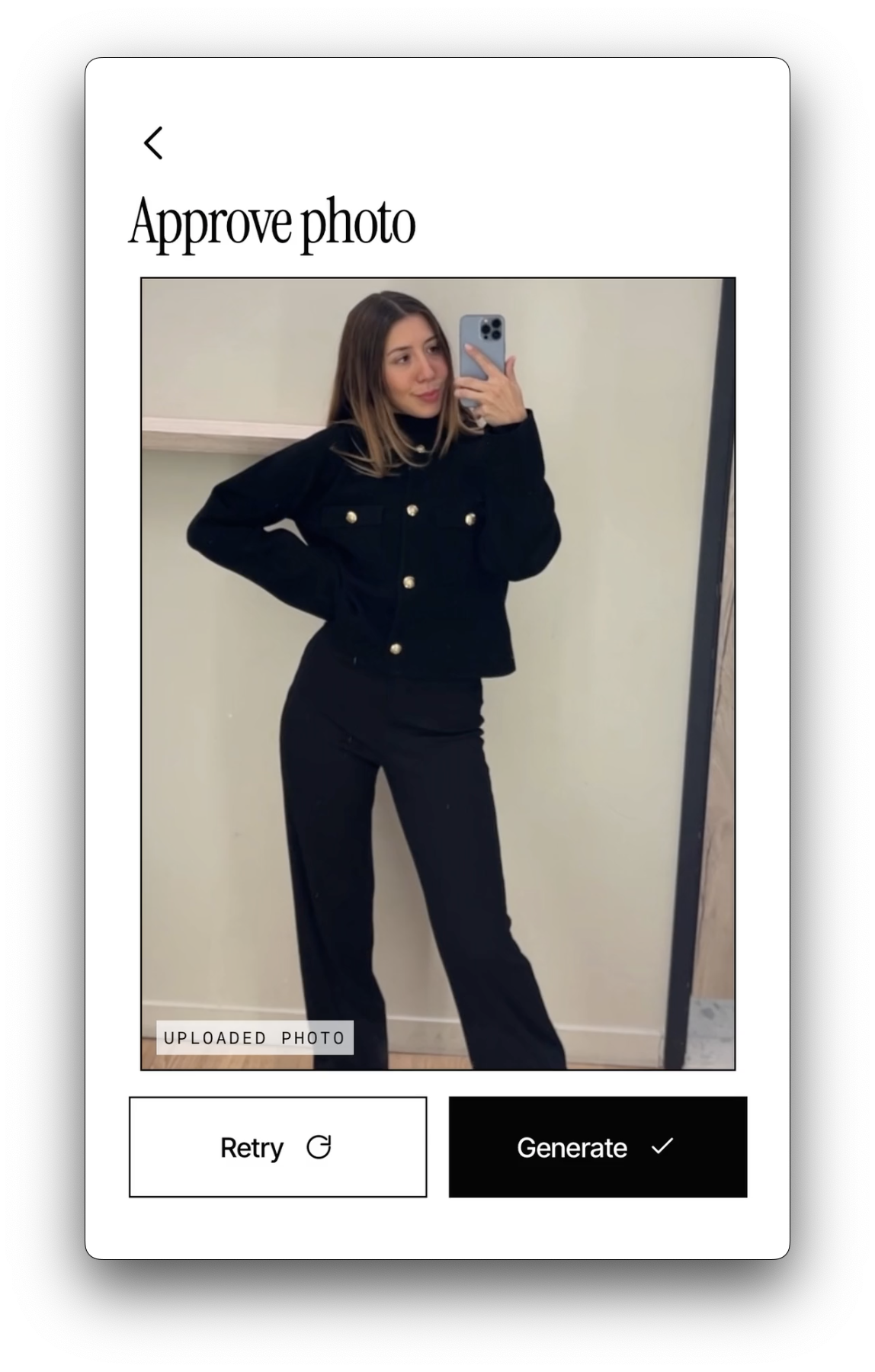
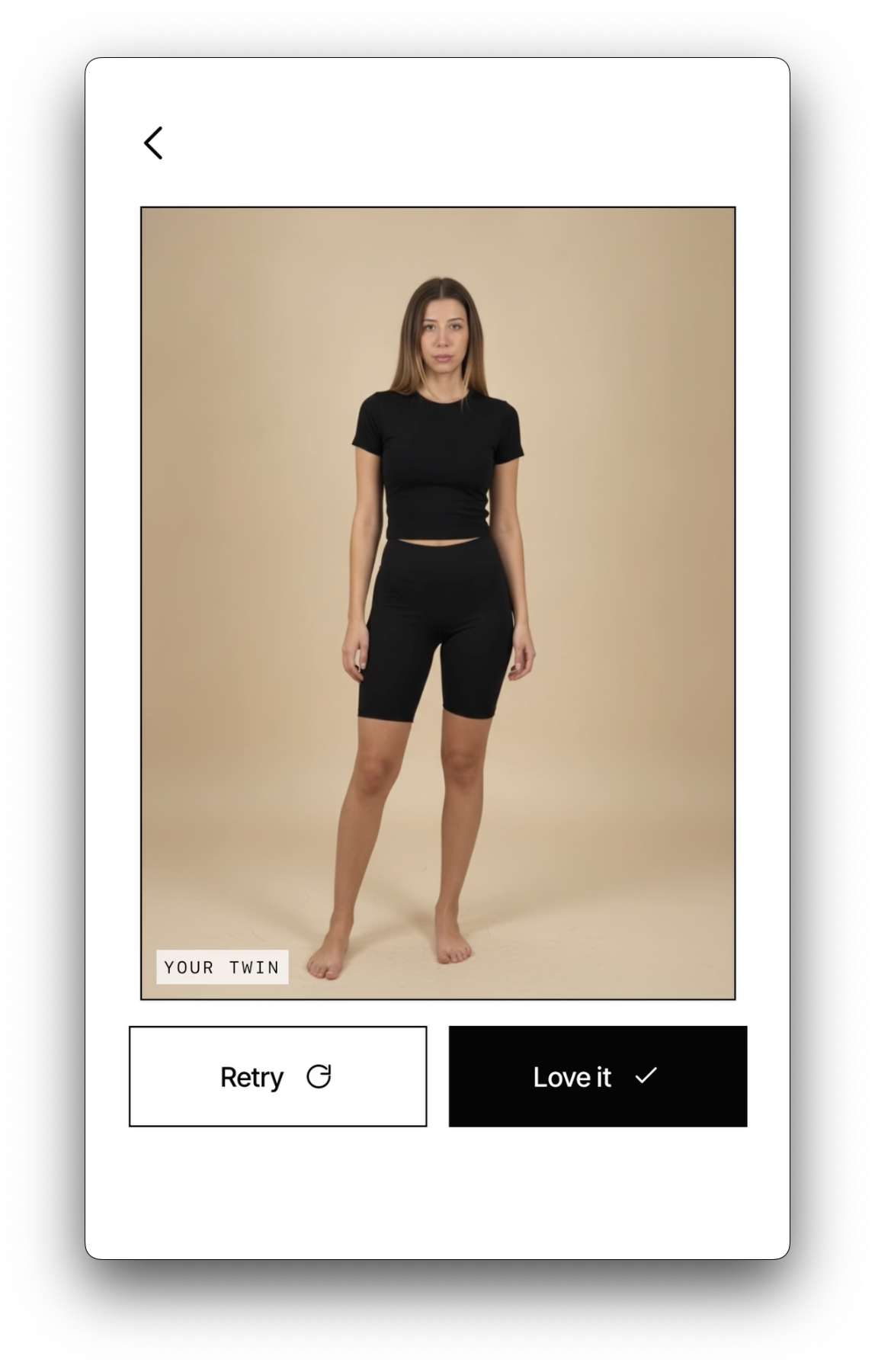
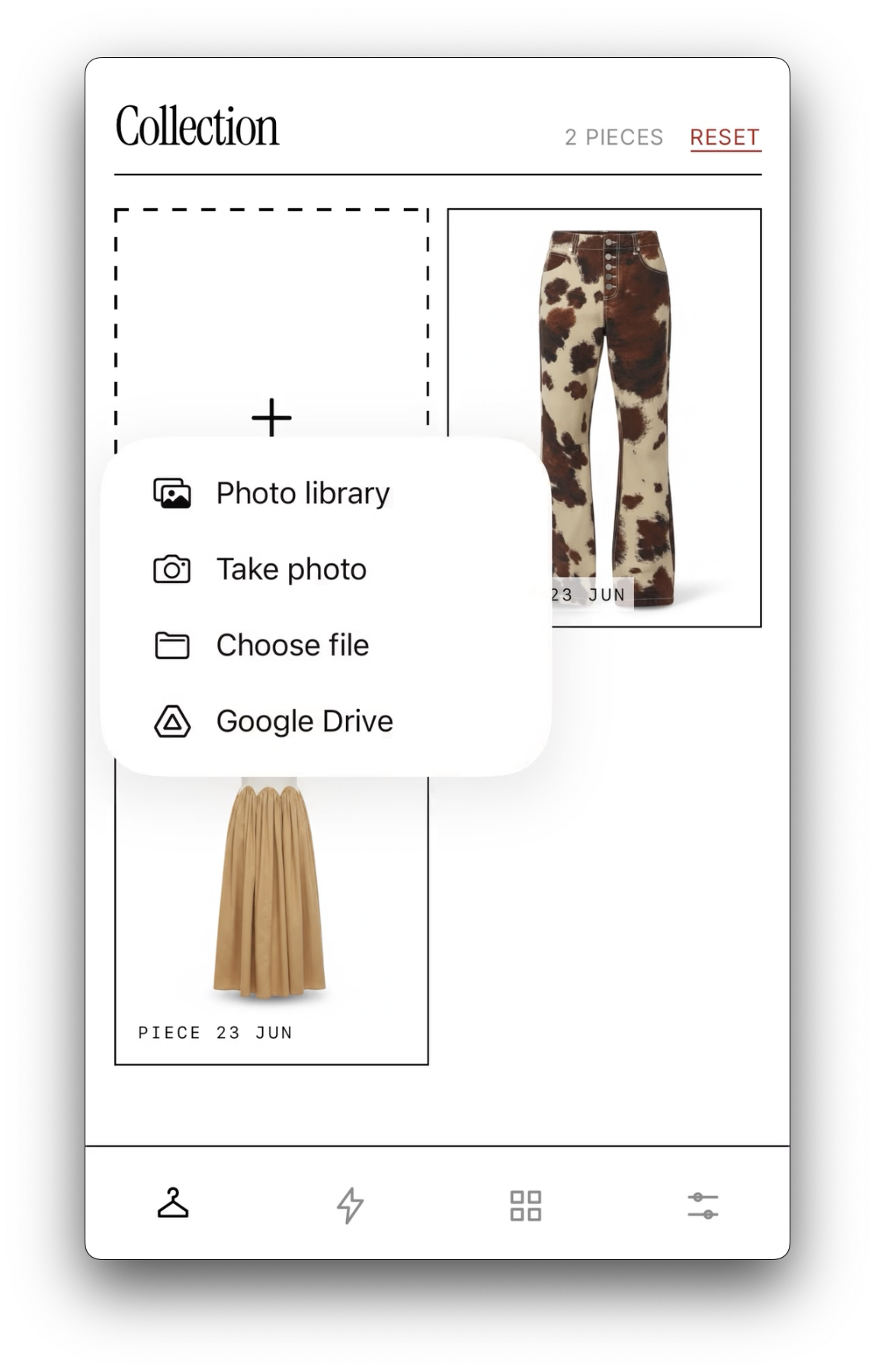
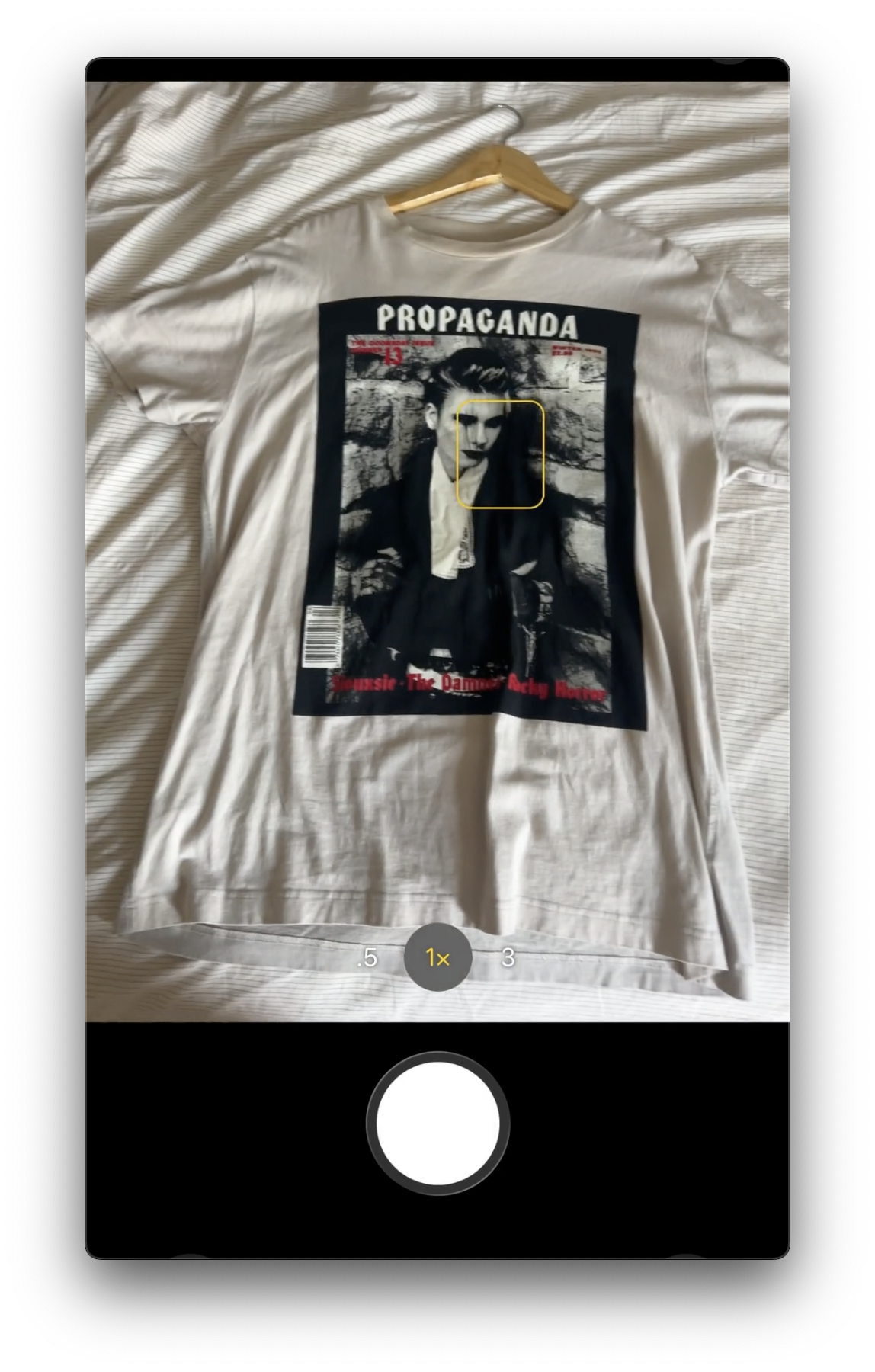
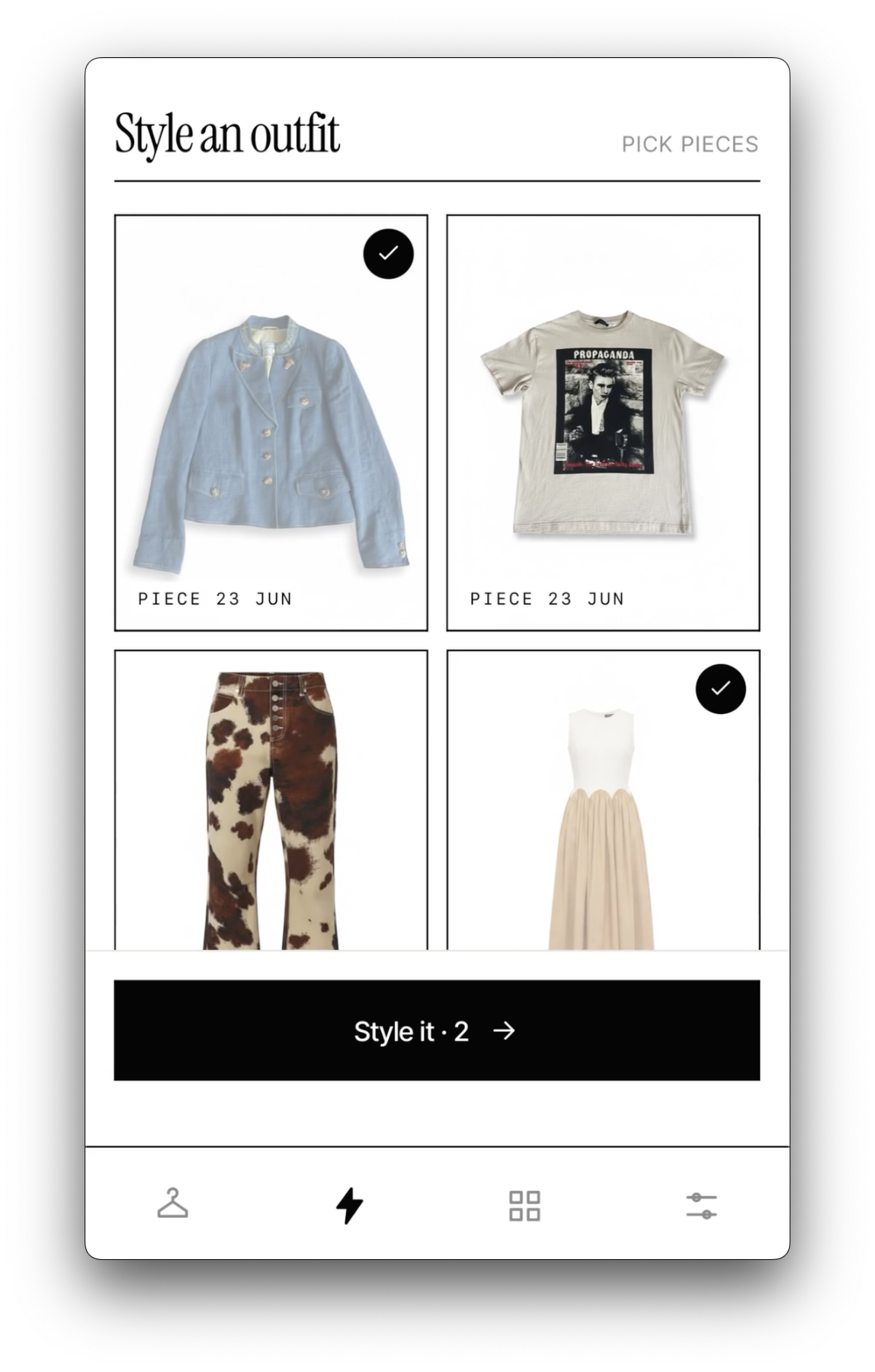
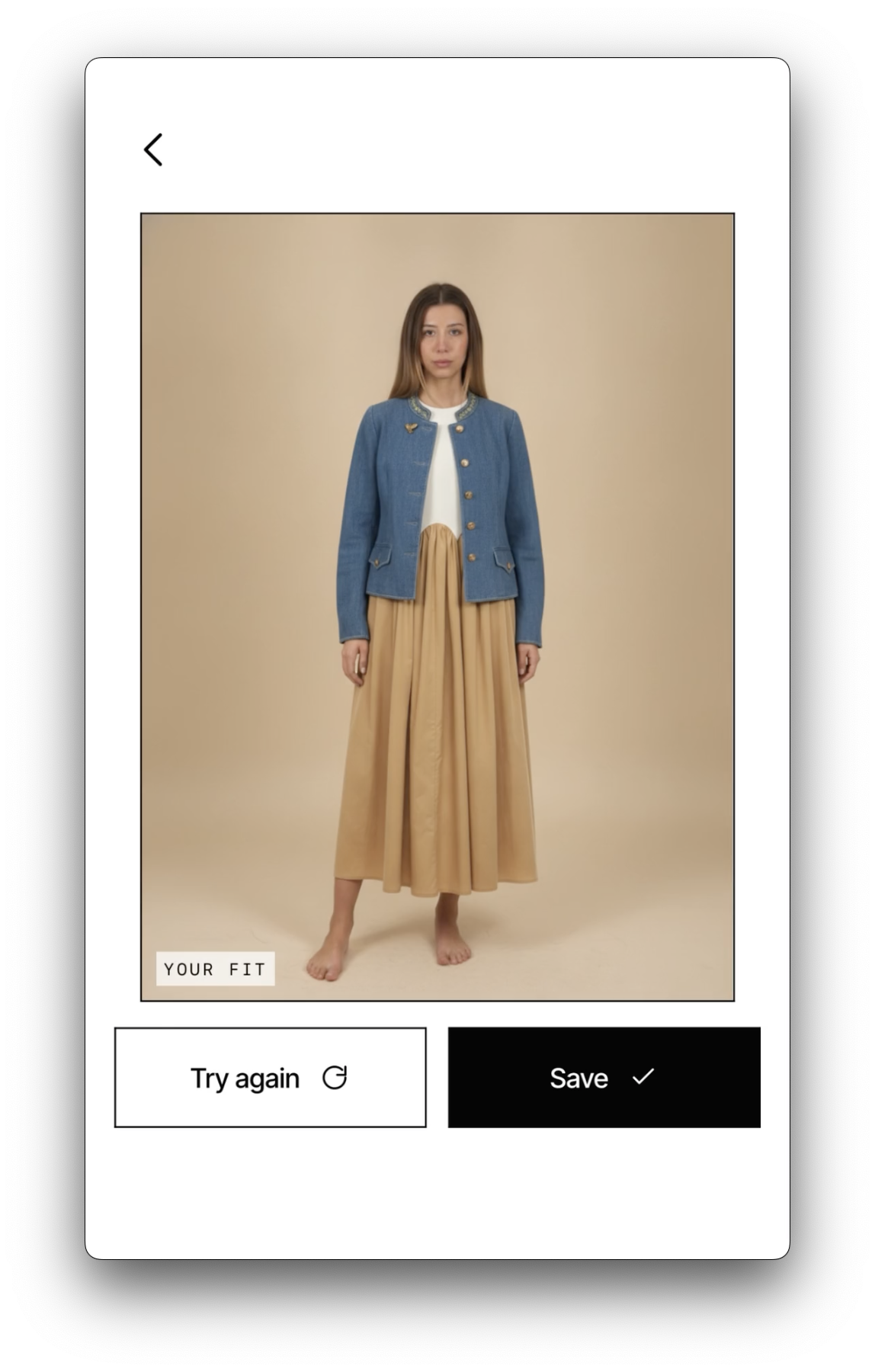
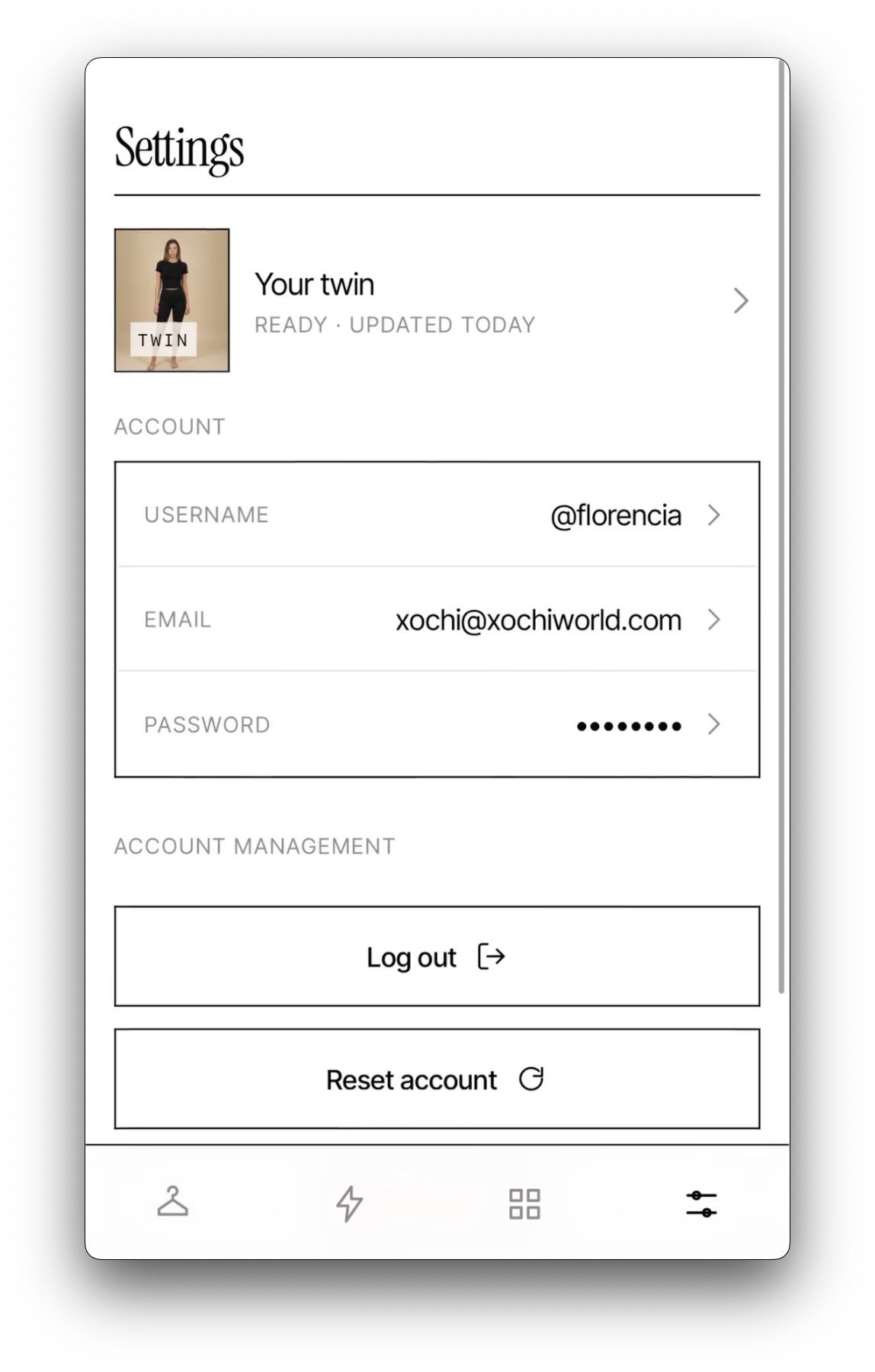
I designed the product around making outfit building feel effortless. A user creates a personal AI twin from a full-body photo, adds pieces from their own wardrobe, screenshots, online stores, or things they spot in real life, then styles those pieces together and generates a realistic front-view fit preview. The aim was not just to create a virtual try-on, but to make wardrobe indexing, outfit planning, and decision-making faster, lighter, and easier.
The use case also extends beyond my own wardrobe. For men who dislike going into warm, cramped changing rooms before events like weddings, work functions, or holidays, MuseIM could allow them to try pieces from online catalogues, mix them with items they already own, and decide what to order or pick up in store with more confidence.
I treated the project as both a product R&D exercise and a brand prototype: naming, tone of voice, visual direction, app architecture, AI workflow, prompt system, image pipeline, account flow, local storage, MongoDB setup, S3-backed generation assets, QStash background jobs, and Vercel deployment.
PRODUCT EXPERIENCE
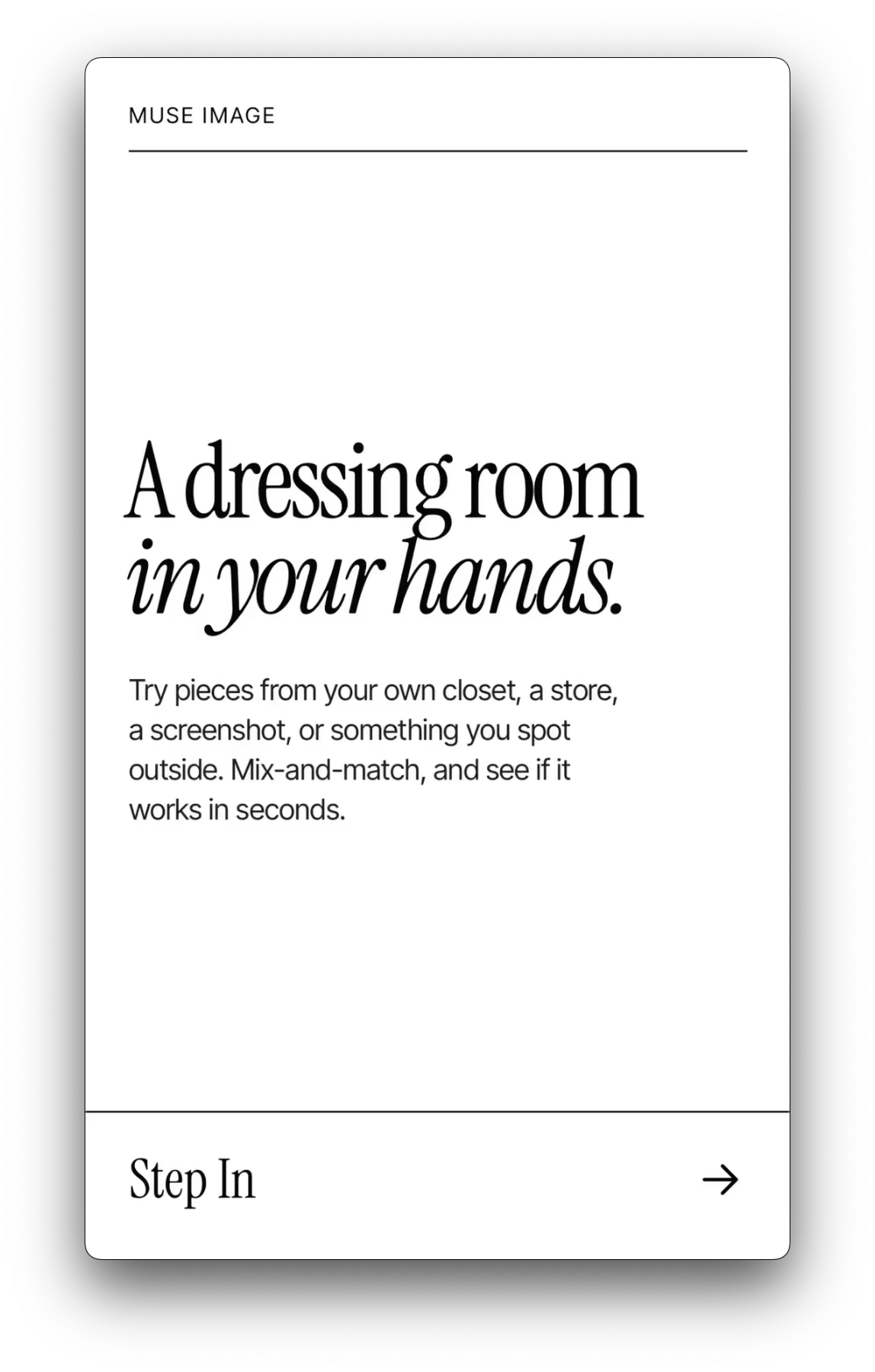
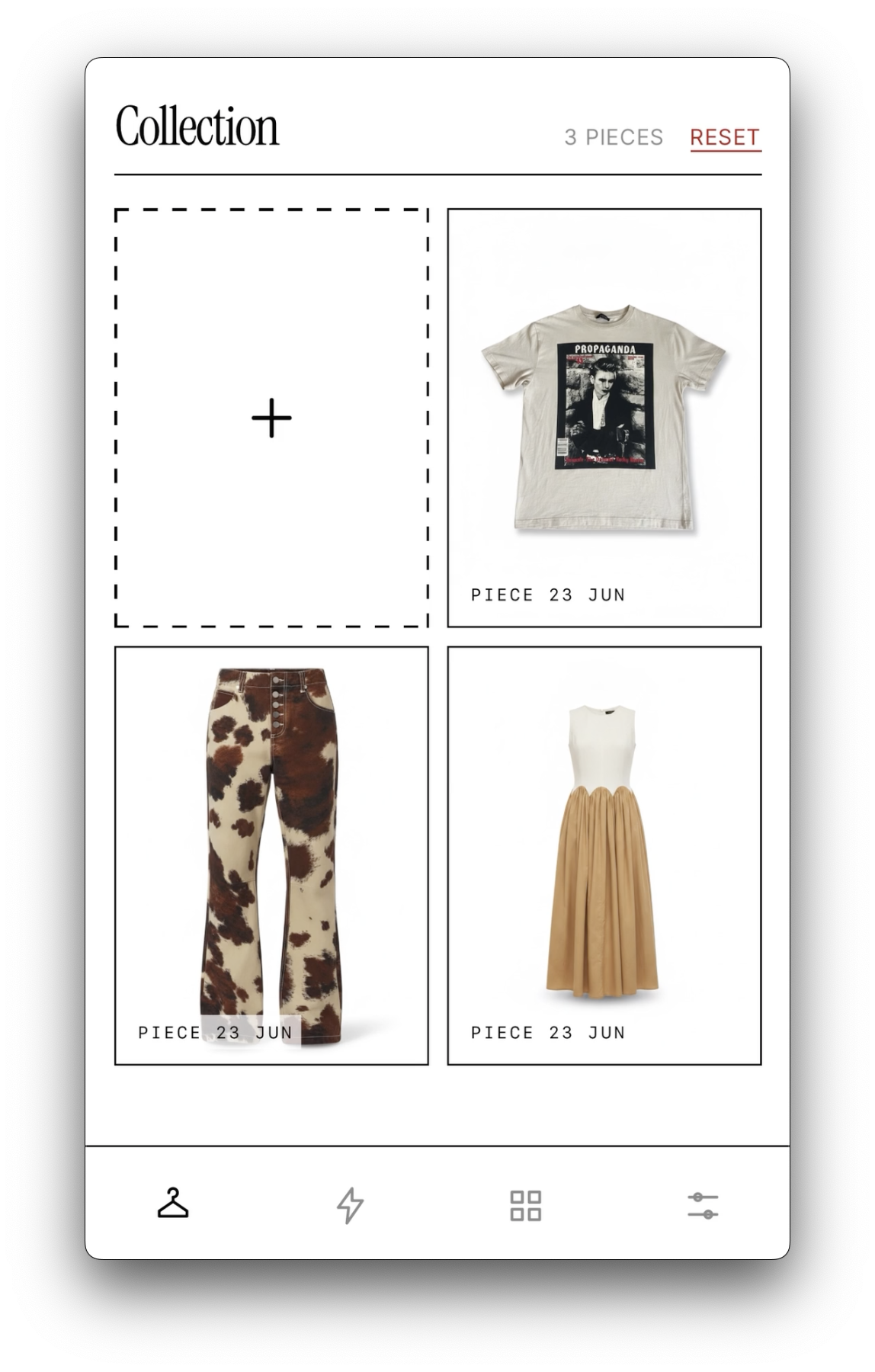
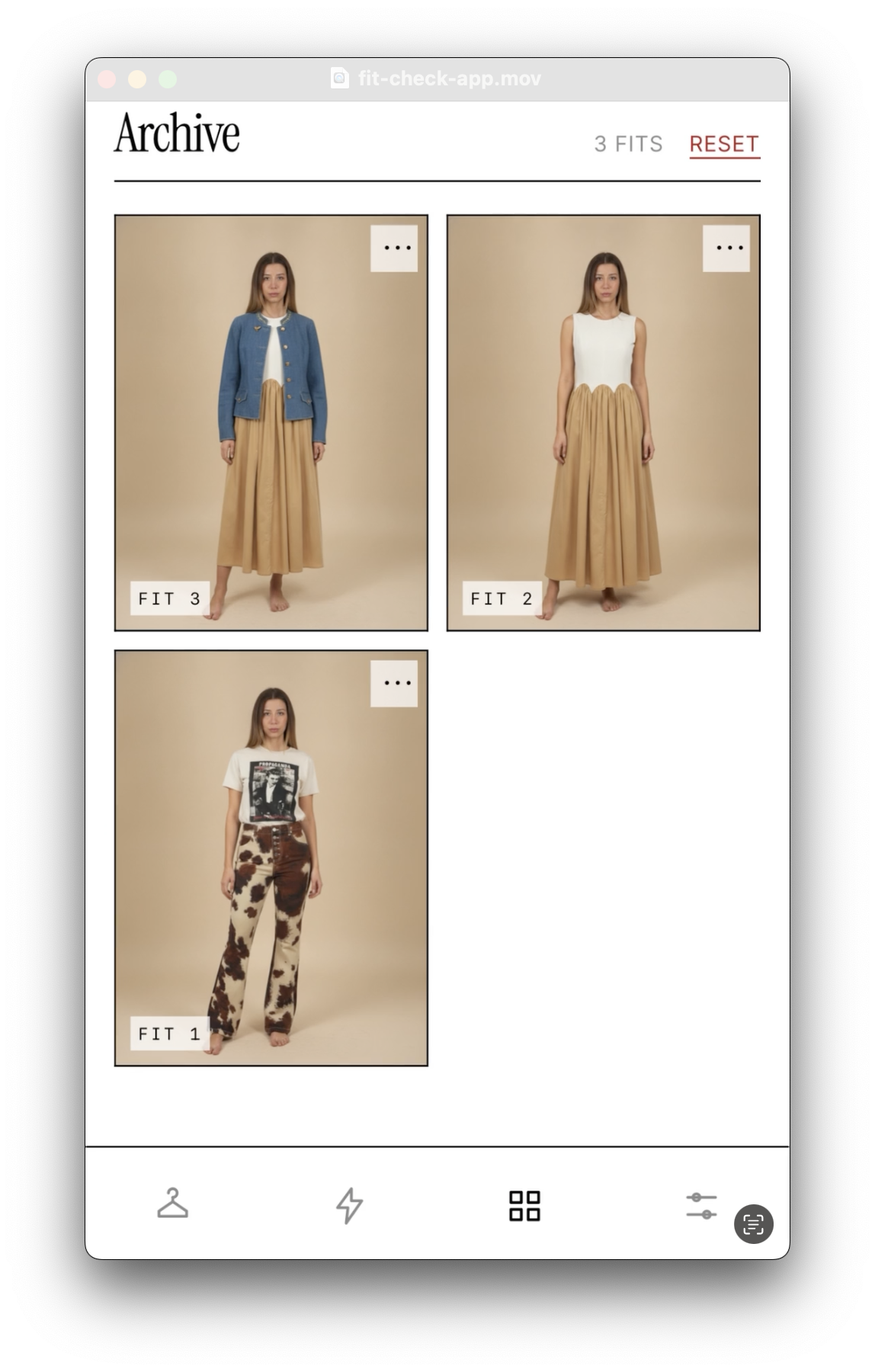
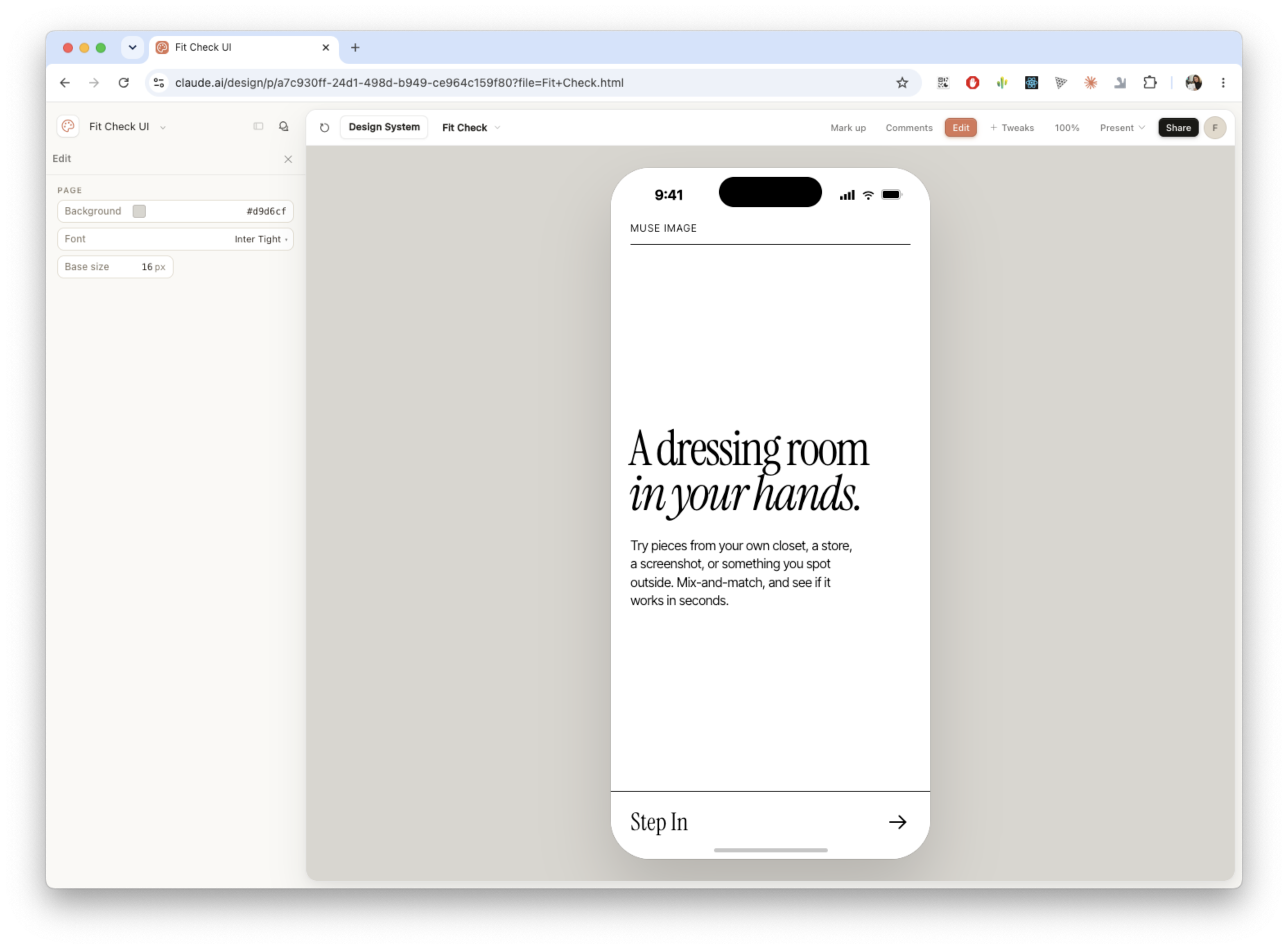
The prototype is structured around a simple mobile flow: create a twin, add pieces to a collection, style an outfit, and save generated results to an archive. I wanted the language to feel premium and consumer-facing rather than technical, so the product avoids terms like “AI fitting room” in favour of softer concepts such as a dressing room in your hands.
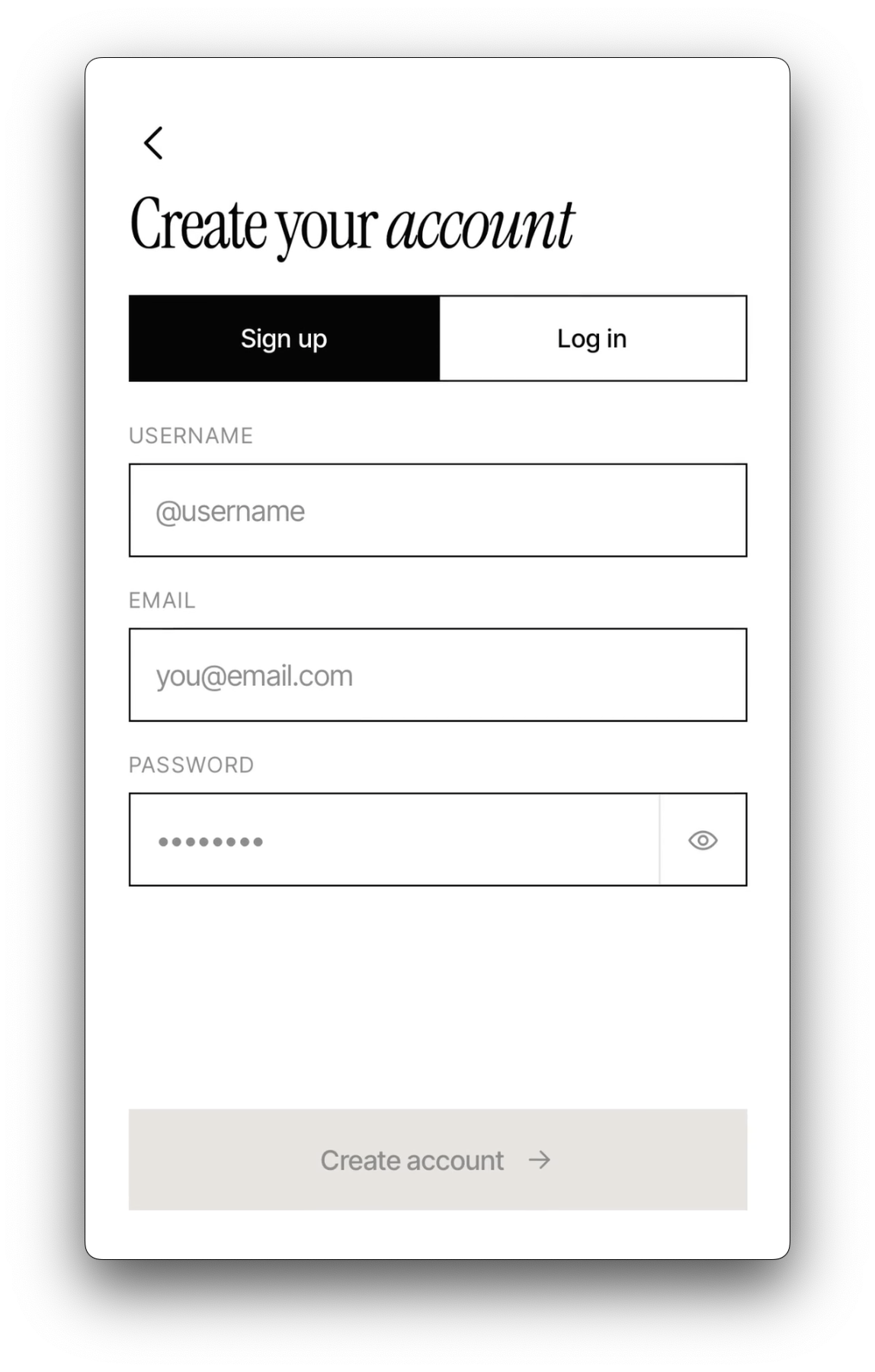
The current experience includes account creation, AI twin generation, a collection for saved pieces, image upload and replacement, Gemini-powered piece cleaning, outfit styling, and an archive for saved fit previews. Users can sign up, log in, reset or change their password, edit username or email, delete account data, approve generated results, retry failed generations, and browse saved fits.
A large part of the work was product language and UX framing. I explored names, navigation labels, onboarding copy, loader copy, and the relationship between “collection”, “archive”, “twin”, “piece”, “fit”, and “style”. The final direction positions MuseIM as a personal visual styling tool rather than a technical try-on demo.
AI R&D
The AI pipeline was built around Gemini image generation and editing, with R&D across Nano Banana and Nano Banana Pro. I tested how far the model could handle identity preservation, body proportion consistency, outfit replacement, clothing-item cleanup, image aspect ratio control, and multi-image prompting.
Prompt engineering became a core part of the prototype. I developed separate prompt systems for creating the AI twin, cleaning uploaded clothing pieces into e-commerce-style images, and styling selected pieces onto the twin. The biggest challenge was preventing the model from simply overlaying new clothes on top of the twin’s base outfit; this led to iterative prompt refinements around treating the base clothing as a temporary mannequin layer that should be replaced, not preserved.
I also explored AI-assisted visual production across the app: generating and refining graphics, SVG-style assets, interface placeholders, onboarding imagery, and mobile-friendly image references. Images were optimized and converted to WebP for the portfolio and prototype pipeline.
V2: ASYNC GENERATION SYSTEM
The second iteration upgraded MuseIM from a fragile single-request prototype into a more resilient async generation system. Instead of making the user wait inside one live image-generation request, the app now creates a generation job, stores the input images privately, queues the work, processes it in the background, and lets the frontend track progress through clear job states.
When a user styles an outfit, the client sends the selected images and prompt to the backend. The server uploads the input images to AWS S3, creates a generation_jobs record in MongoDB, and publishes a job message through Upstash QStash. A worker endpoint then retrieves the images from S3, calls Gemini / Nano Banana, uploads the generated result back to S3, and marks the job as done. The frontend polls the job status, downloads the finished result, converts it back into a local Blob, and saves it in IndexedDB for fast browsing.
This made the app much more stable when image generation was slow, overloaded, or temporarily failing. Jobs can now move through queued, processing, delayed, done, and failed states. Retryable Gemini/API failures such as 429, 500, 503, and 504 are retried up to five times with exponential backoff and jitter. The system also includes manual retry support, atomic job claiming to avoid duplicate processing, and stale-lock recovery if a worker gets stuck mid-generation.
TECHNICAL DETAILS
Mobile-first Vite React application built with React 19, TypeScript, React Router, Redux Toolkit, React Redux, Reselect, Dexie, dexie-react-hooks, GSAP, and plain CSS with local design tokens. The frontend stores heavy media locally in IndexedDB, while Redux is used only for lightweight UI state such as selected pieces, active category, loading states, errors, notifications, selected model, and onboarding state.
The backend is built with Express 5 and TypeScript, using the MongoDB native driver, Multer for image uploads, @google/genai for Gemini / Nano Banana image generation, AWS SDK for S3 storage, Upstash QStash for background job delivery, and Node crypto for PBKDF2 SHA-512 password hashing. Authentication is custom rather than OAuth/JWT-based: users are stored in MongoDB, while the browser stores the signed-in user object in localStorage and passes user IDs where needed.
V2 introduced two separate persistence layers. IndexedDB stores local media blobs for twins, collection pieces, and generated fit previews so the app stays fast on device. MongoDB stores users and generation_jobs metadata only: job status, attempts, prompts, model, user ID, S3 object keys, timestamps, and TTL expiry. Actual queued generation images are stored privately in S3 under tryon/jobs/..., then accessed through signed URLs when the worker or client needs them.
For S3, I set up a new private bucket, configured CORS so the app/API could safely access the required files, created a dedicated IAM user, and attached scoped policies for the bucket operations the backend needed. This kept image storage separate from MongoDB and avoided storing large image blobs directly in the database.
The deployment was configured for Vercel, with /api routes mapped to the Express serverless entry through vercel.json. The app also includes local development fallbacks: if QStash is not configured during development, the browser can trigger the worker endpoint directly with a local-worker header. In production, the intended flow uses QStash delivery, S3-backed job assets, MongoDB job tracking, and polling-based frontend updates.
AI-ASSISTED WORKFLOW
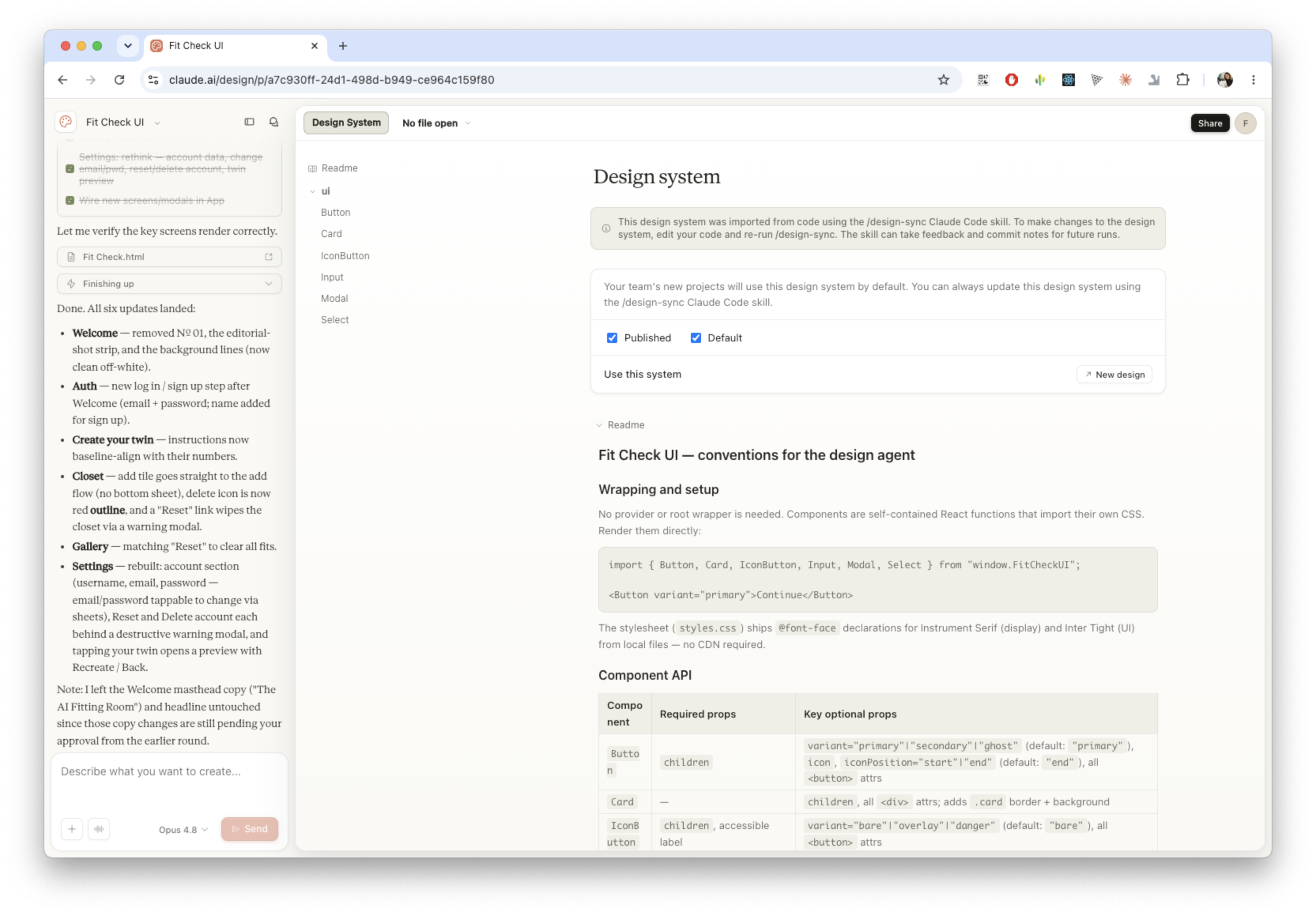
I used AI coding and design tools as part of the production workflow. Codex and Claude Code supported implementation, refactoring, debugging, and documentation across the React/TypeScript app and Express backend. Claude Design was used to accelerate early design-system exploration and prototype structure, helping shape reusable components, layout patterns, and the mobile-first interface direction.
The project was intentionally built as a practical test of AI-assisted product development: using AI not only for the app’s image-generation features, but also as part of the making process itself. This included architecture planning, copy iteration, prompt development, design-system refinement, and implementation support — while I directed the product decisions, interaction logic, technical structure, and final creative direction.
RESPONSIBILITIES
Product Ideation: Identified the real-life wardrobe and outfit-planning problem, defined the core use case, mapped MVP flows, and shaped the product concept around fast, low-friction outfit previewing.
Branding and Creative Direction: Developed the imaginary product brand, naming direction, tone of voice, visual language, homepage copy, loader copy, and premium minimal interface style.
Design System and Prototype Direction: Used Claude Design to accelerate design-system exploration, then refined the app structure around reusable components, design tokens, SVG icon components, mobile-first layouts, and editable JSON copy.
Frontend Development: Built the mobile-first React/TypeScript app with Vite, React Router, Redux Toolkit, Reselect, Dexie/IndexedDB, reusable components, local image persistence, in-app notifications, polling-based job status updates, and client-side image optimization.
Backend Development: Built the Express/TypeScript API, custom account system, MongoDB user and job collections, Gemini proxy routes, queued generation endpoints, worker processing route, retry logic, stale-lock recovery, and cleanup-aware delete flows.
Async AI Generation Architecture: Replaced fragile live generation requests with a queued job system using Upstash QStash, MongoDB generation_jobs records, private S3 image storage, signed file access, polling, retry states, exponential backoff, and Gemini / Nano Banana generation.
AWS S3 Setup: Created a private S3 bucket for queued generation assets, configured CORS, created a dedicated IAM user, and wrote scoped bucket policies so the backend could upload input images, read worker assets, store generated outputs, and clean up job files safely.
AI Integration and Prompt Engineering: Integrated Gemini image generation/editing through @google/genai, researched Nano Banana and Nano Banana Pro, and iterated prompts for AI twin generation, clothing-piece cleanup, outfit styling, aspect ratio control, and replacement of placeholder clothing.
AI-Assisted Engineering: Used Codex and Claude Code to support implementation, debugging, refactoring, and documentation while maintaining control of product direction, architecture, and creative decisions.
Media and Asset Pipeline: Generated and refined visual assets, SVG graphics, placeholder imagery, interface graphics, and portfolio visuals, then optimized and converted images to WebP for mobile performance.
Deployment: Configured Vercel deployment, API routing, environment variables, MongoDB connection handling, S3 credentials, QStash delivery, and domain/subdomain setup.
COMMERCIAL EXPLORATION
The prototype was built as a personal product experiment, but the commercial direction is clear. A future version could connect to retailer catalogues through APIs, allowing users to try pieces from partner stores directly inside the app. From there, the experience could become shoppable: users could mix retailer products with items they already own, generate outfit previews, and buy selected pieces through in-app checkout or affiliate links.
Further exploration could include social sharing, alternative backgrounds, event-based styling suggestions, outfit recommendations by occasion, body type and personal style, richer wardrobe categorization through LLMs plus user input, and cloud sync for accounts, collections, and saved archives across devices.
The longer-term opportunity is to move beyond virtual try-on as a novelty and toward a practical styling layer between personal wardrobes, e-commerce catalogues, and everyday decision-making.